Bedrock lighting guide
7 Best Minecraft Bedrock Shaders & Safe Setup Guide (2026)
The best Minecraft Bedrock shader is the one your current device and game build can actually render. Start with Minecraft's built-in Vibrant Visuals option when it is available, use RTX or PBR content only on compatible Windows hardware, and treat older RenderDragon shader downloads as version-specific packs rather than universal upgrades.
This guide ranks the best Minecraft Bedrock shaders by compatibility and trust instead of listing unstable download mirrors. It explains what each option changes, where to verify it, and how to test a pack without risking your main world.
Quick answer
What Is the Best Minecraft Bedrock Shader in 2026?
For most players, the best Minecraft Bedrock shaders start with Vibrant Visuals because it is part of Bedrock's current graphics path and does not require an unknown executable or APK. If the graphics setting appears on your supported device, it can add richer directional light, shadows, reflections and atmosphere while keeping the world inside the normal Bedrock workflow. Availability and performance can still differ by platform and update, so the in-game setting is stronger evidence than a third-party page saying every device is supported.
The best Minecraft Bedrock shaders for Windows can also include official RTX worlds or PBR packs designed for compatible ray-tracing hardware. Mobile and console players should favor Marketplace content, creator pages that name the exact Bedrock version, or packs explicitly updated for Vibrant Visuals. A pack labeled simply 'Bedrock shader' without a date, device list or installation notes is not automatically a good choice.
Best overall: Vibrant Visuals
Use the built-in graphics option first when your device exposes it. It follows the current Bedrock rendering path and is easier to disable if performance drops.
Best for Windows: RTX/PBR
Choose RTX-ready worlds or physically based resource packs only when your Windows hardware and the content page explicitly support ray tracing.
Best safe fallback: trusted packs
Use Marketplace or established creator pages that publish version notes, screenshots, pack format and removal instructions instead of anonymous mirror links.
Ranked options
7 Best Minecraft Bedrock Shader Paths by Use Case
These are rendering paths and pack categories, not promises that one download works everywhere. Rank them by device fit, update support and source transparency.
Built-in Vibrant Visuals
Best overall when the option appears in your current Bedrock video settings. It is part of Minecraft's supported graphics direction, avoids separate installers, and gives you a clear off switch. Test frame rate, heat and battery use before increasing render distance.
Marketplace Vibrant Visuals content
Best for players who want a curated install route. Read the listing for device limitations, required graphics mode and whether the purchase is a world, texture pack or reusable resource pack. Marketplace placement improves source clarity but does not guarantee identical performance on every platform.
Creator-published PBR resource packs
Best for players who want enhanced material response while keeping a familiar texture style. Prefer creator sites or repositories with a changelog, supported Bedrock builds and direct pack documentation. PBR assets still need a compatible renderer; importing the files alone cannot create ray tracing.
RTX showcase worlds on Windows
Best for seeing the strongest ray-traced lighting in a world built around it. These experiences can include reflective materials, emissive blocks and tuned scenes. They are not a universal shader for every existing world, and they require supported Windows hardware and settings.
RenderDragon-compatible shader packs
Best only when the creator names the exact Bedrock version and current rendering method. Many older mobile shader tutorials predate rendering changes and may import successfully without changing the image. Treat compatibility notes and recent user reports as required evidence.
Lightweight color and sky packs
Best for lower-power devices that cannot sustain advanced lighting. A resource pack can improve skies, water color, fog, particles and color grading without being a full shader. This is often a more stable visual upgrade, but describe it accurately as a resource pack.
World-specific visual packs
Best when a trusted map or server bundles the intended visuals. Keep the pack attached to a copied world first, because global activation can change menus or unrelated worlds. Confirm whether multiplayer downloads are required and whether the pack can be disabled cleanly.
Compatibility first
Why Bedrock Shader Support Changes by Device
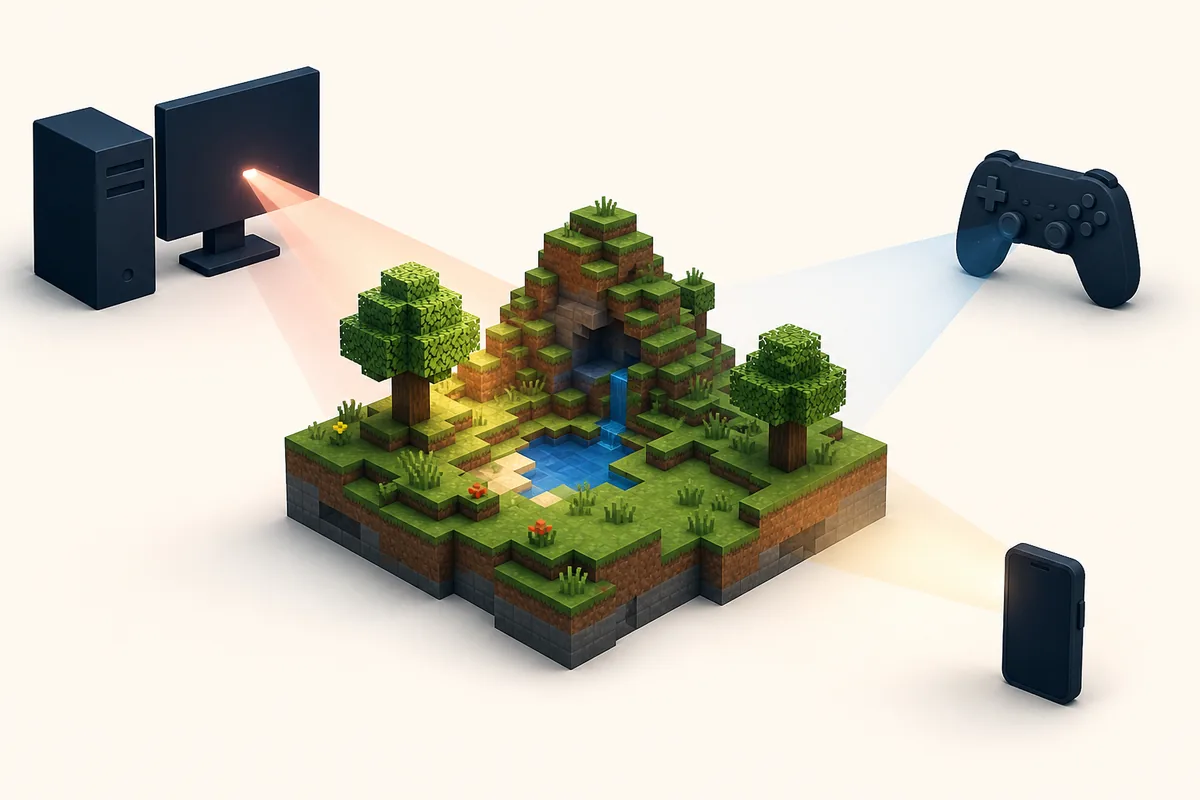
Minecraft Bedrock runs across Windows, consoles and mobile hardware, but those devices do not expose the same graphics features. A Windows PC may support a ray-tracing path that a phone does not, while a console or mobile build may receive Vibrant Visuals on a different schedule or with different quality controls. The reliable test is the current game's video settings plus the content creator's supported-device notes.
The renderer also matters. Older shader packs were built around rendering behavior that changed when Bedrock adopted RenderDragon. Some files still import because they are valid resource packs, yet their old shader code no longer produces the advertised lighting. A successful import message proves only that Minecraft accepted the package structure, not that the visual effect is compatible.
Check four details before downloading: your exact Bedrock version, device and operating system, the rendering path named by the pack, and the date of the latest creator update. If any detail is missing, treat screenshots as a demonstration of one setup rather than a promise for yours.
Performance is another compatibility layer. Enhanced shadows, reflections, volumetric effects and high-resolution materials increase GPU load and memory use. Start with a test world, default render distance and conservative quality. On mobile, watch heat and battery drain; on desktop, compare stable frame rate rather than a single attractive screenshot.
Comparison table
Minecraft Bedrock Shader Options Compared
Use this table to compare the best Minecraft Bedrock shaders while separating built-in graphics, ray tracing, shader-style packs and ordinary resource packs before you download anything.
Safe setup
How to Install and Test a Bedrock Shader Pack
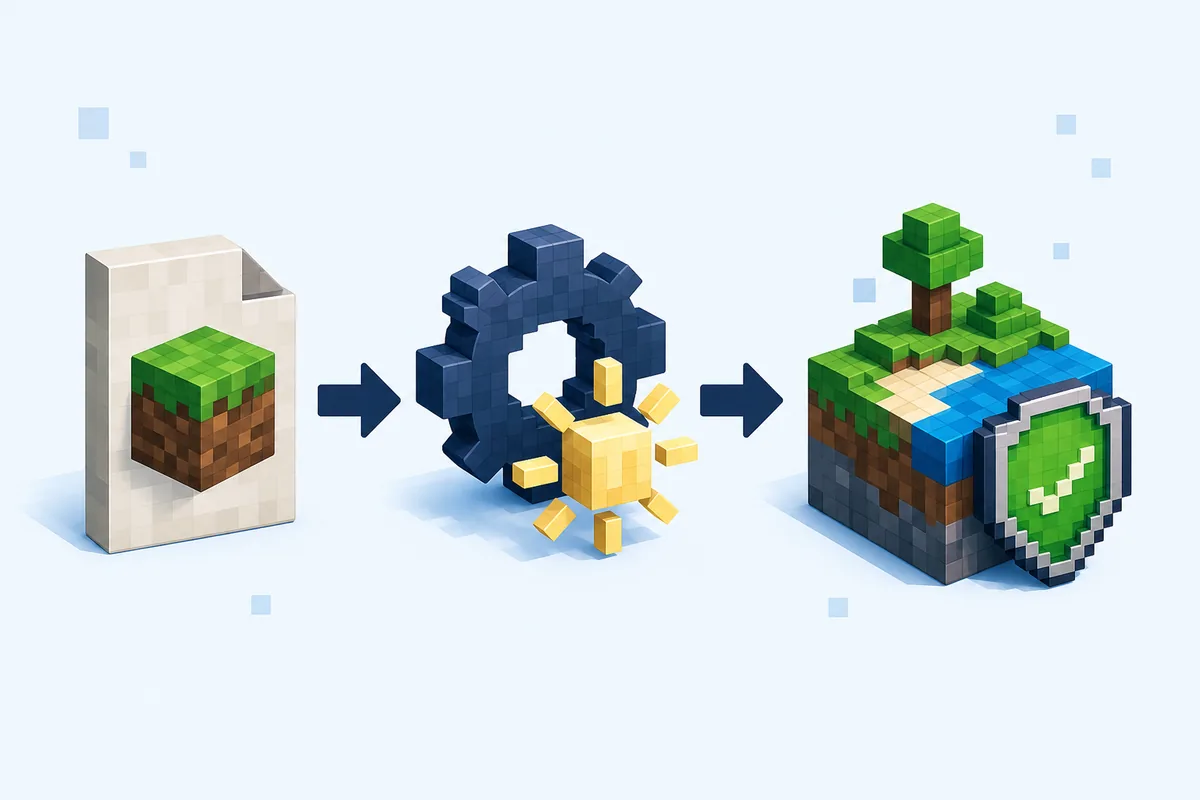
First, update Minecraft through the platform store and open Video settings before downloading a pack. If Vibrant Visuals or the required rendering option already exists, test it in a new world with no third-party packs. This gives you a baseline and prevents a later performance problem from being blamed on the wrong file.
For a resource-pack download, verify that the source names Minecraft Bedrock, supported versions and the expected .mcpack, .mcaddon or documented archive format. Keep the original extension. Open the package with Minecraft, wait for a clear import success or failure message, then locate it under the resource pack settings for a copied test world. Do not rename a Java shader .zip or mod .jar and expect Bedrock to convert it.
Activate one visual pack at a time. Load the copied world in daylight, at night, near water and indoors. Check shadows, transparent blocks, particles, menus and texture seams, then measure whether frame rate remains comfortable. If the world fails to load, disable the latest pack before changing other settings.
Keep the source URL, file name, test date and Bedrock version in a small note. When a game update changes rendering, that record tells you which pack needs an update. Remove a failed pack from world settings first; delete the local file only after the copied world opens normally.
Avoid these errors
6 Bedrock Shader Mistakes That Cause Most Problems
A beautiful preview does not prove that the pack matches your device, current renderer or world.
Installing Java shaders on Bedrock
Java shader packs depend on Java-specific loaders such as Iris or OptiFine. Their .zip files do not become Bedrock shaders when renamed.
Trusting 'works on all devices'
Treat universal claims cautiously. Look for a device matrix, Bedrock build number and recent creator update instead.
Downloading an APK or EXE
A Bedrock visual pack normally should not require an unrelated mobile APK or Windows installer. Use the store, Marketplace or documented pack file.
Testing in the main world
Conflicting packs can hide textures or stop a world loading cleanly. Use a copy and activate one pack at a time.
Ignoring performance
Heat, battery drain, memory pressure and unstable frame rate matter more than a still image. Reduce quality or use a lighter resource pack.
Confusing packs with shaders
Sky, fog and color packs can look excellent, but they do not necessarily add dynamic light or ray tracing. Match expectations to the technology.
Related guides
Continue with the Correct Bedrock Setup
Use these pages to verify the source, import the pack and keep Java files separate from Bedrock content.
Bedrock Resource Pack Guide
Import .mcpack or .mcaddon files and activate them in the correct world.
Open pack guideMinecraft Bedrock Add-ons
Understand behavior packs, resource packs, world activation and package checks.
Read add-on guideMinecraft Java vs Bedrock
Check which edition, file type and customization ecosystem you actually use.
Compare editionsVerity Bedrock Download
Keep Verity add-on downloads separate from unrelated shader and Java files.
Open Bedrock pageMinecraft Java Shaders Guide
Choose a Java shader path, match the loader and test packs without confusing them with Bedrock shaders.
Open Java shader guideReferences
Official Graphics Sources to Check
These official pages define the supported graphics paths. Pack compatibility can change after this article's July 29, 2026 review date.
Minecraft Vibrant Visuals
Official Minecraft overview for the current Bedrock visual upgrade and supported experience.
Check Vibrant VisualsMinecraft Marketplace
Official discovery route for curated Bedrock worlds, packs and creator content.
Open MarketplaceNVIDIA Minecraft RTX Guide
First-party technical reference for RTX materials and ray-traced Minecraft content on supported PCs.
Read RTX guideFAQ
Minecraft Bedrock Shaders FAQ
What is the best shader for Minecraft Bedrock?
Vibrant Visuals is the best first option when it appears on your supported device because it follows Minecraft Bedrock's current integrated graphics path. Compatible Windows users can also use RTX/PBR content. For third-party packs, choose a current creator source that names the exact device and Bedrock version.
Can you get Minecraft Bedrock shaders on mobile?
Some mobile devices can use current Bedrock visual features or compatible resource packs, but support and controls vary by hardware and build. Check the in-game Video menu and the pack's current device notes. Avoid shader APKs that replace the normal Minecraft or store workflow.
Why does my Bedrock shader import but not change the graphics?
Import success only confirms that Bedrock accepted the package. The visual code may target an older renderer, require a missing graphics mode, conflict with another pack or support a different version. Test it alone and compare the creator's current compatibility notes.
Are Minecraft Bedrock shaders the same as resource packs?
Not exactly. Many Bedrock 'shader' downloads are distributed as resource packs, but a normal resource pack can change textures, skies and colors without adding dynamic lighting. RTX/PBR content and Vibrant Visuals use specific rendering features beyond ordinary textures.
Do Bedrock shaders work on consoles?
Console graphics options are controlled by the current Bedrock build and platform. Use built-in options and Marketplace content available on that console. Do not assume a Windows or Android pack can be sideloaded or will use the same renderer.
Can I use Java shader packs in Minecraft Bedrock?
No. Java shader packs rely on Java Edition tools and rendering hooks. Bedrock uses its own graphics paths, resource-pack formats and platform restrictions. Renaming a Java file does not convert it.